Counter to live in thirty seconds.
Photograph a piece where it sits, type the price, and it’s on your own shop page – ready to send to a client on WhatsApp. No laptop, no website builder.
00:30


- 00:04
Photographed at the counter
The phone’s camera, right over the case. No studio, no laptop.
- 00:12
Priced from the keypad
Type the number. Title and category fill themselves in.
- 00:30
Live at vellora.jewelhq.app
On your own page, with a WhatsApp button under it.
A day at the counter, with nothing but your phone.
9:02 am
A tray comes in.
Five new pieces, still in their pouches, and no notebook to copy them into. Photo, price, publish. All five are on your page before the first customer walks in.
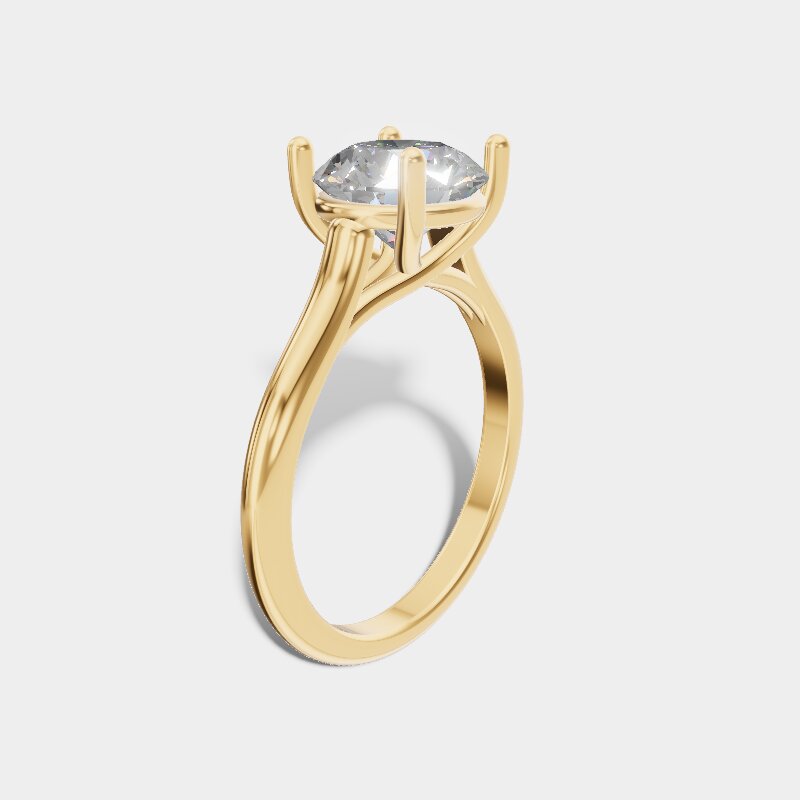
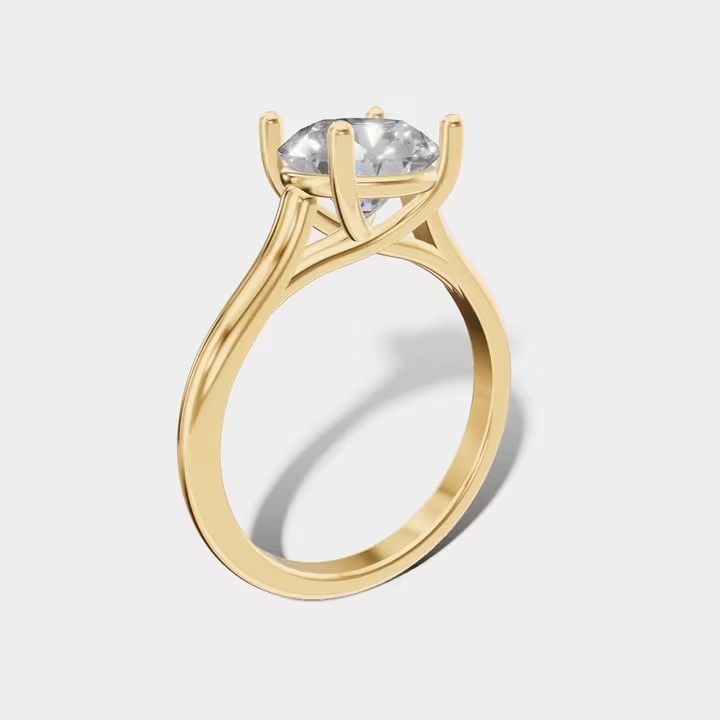
Solitaire ring, 18k
$2,450
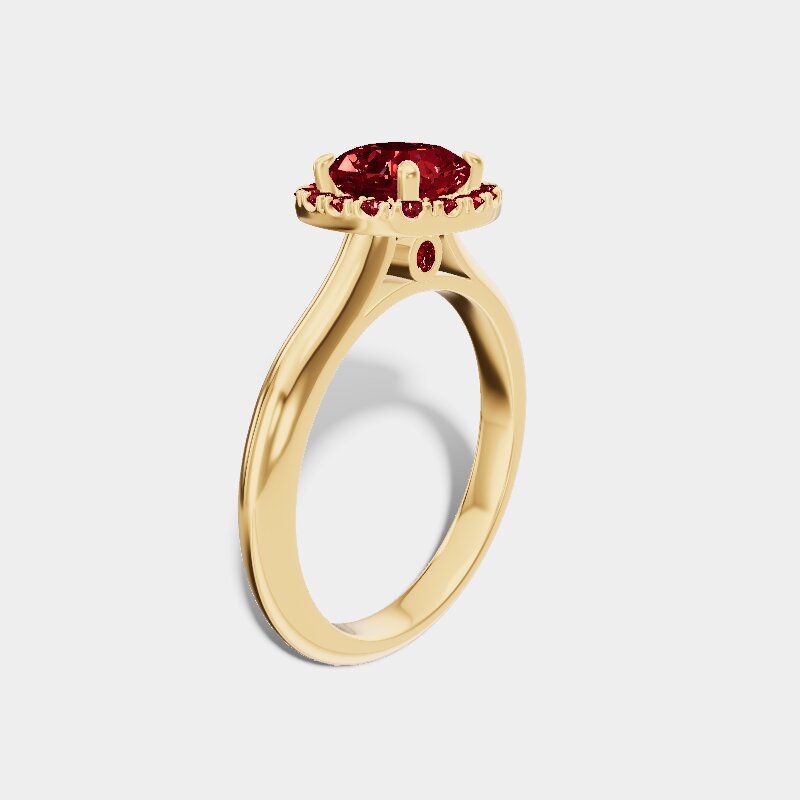
Ruby halo ring
$3,100
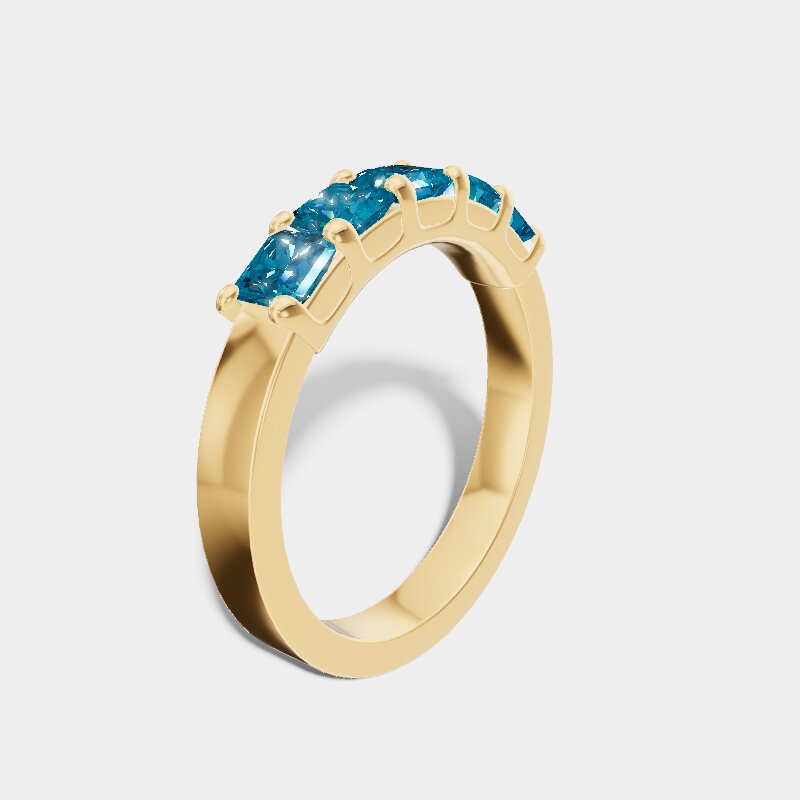
Topaz band, 14k
$890
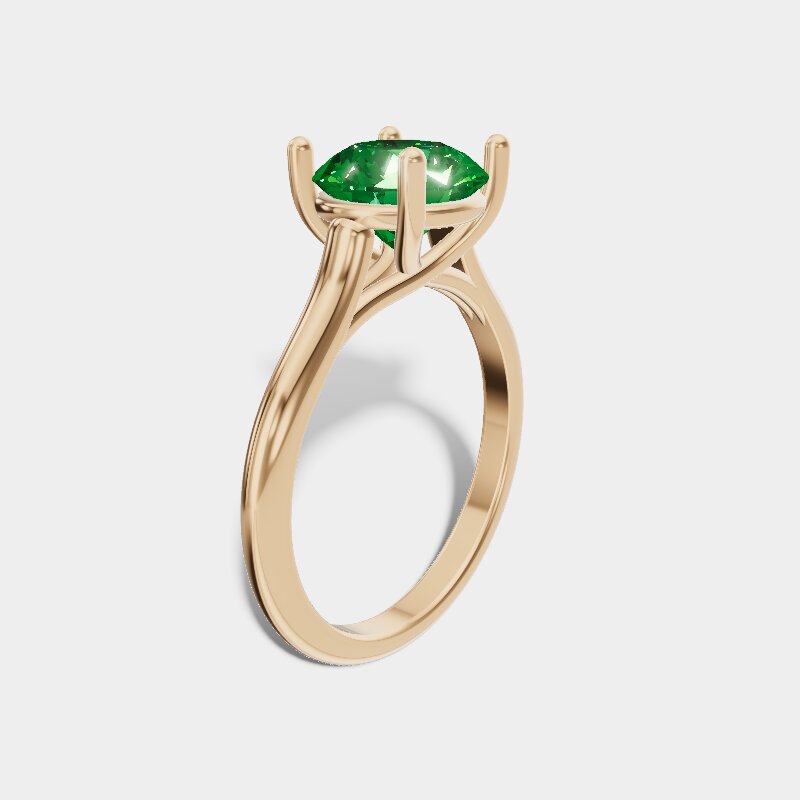
Emerald solitaire, rose gold
$4,200
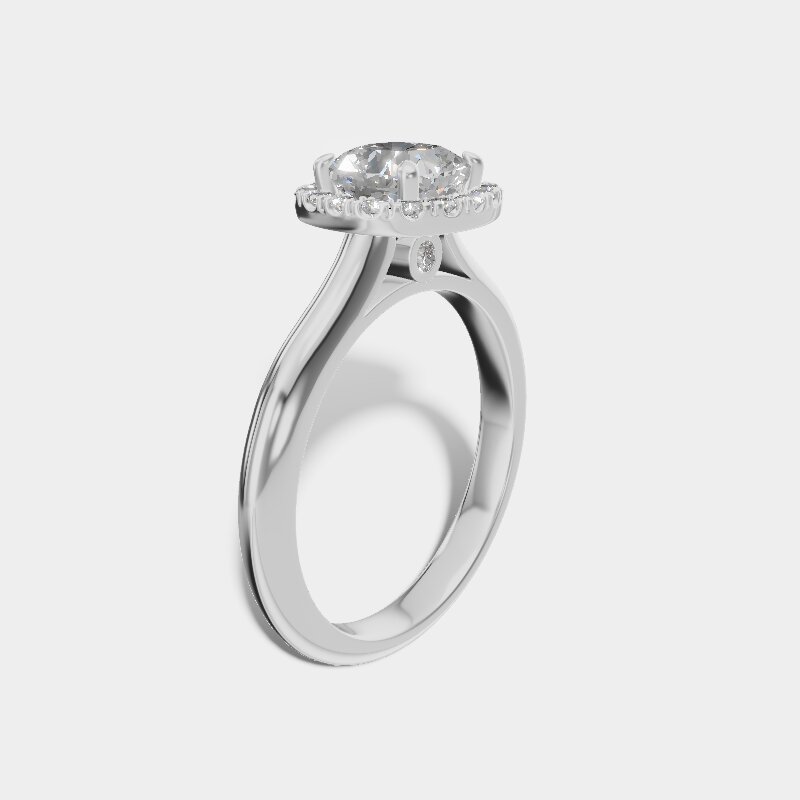
Diamond halo, platinum
$5,600


12:30 pm
“Let me think about it.”
She tried on the solitaire and smiled. Send her the link before she’s down the block, not a photo dug out of your gallery. A promised follow-up is how a sale slips away over the weekend. This way the piece goes home with her, even when it stays in the case.
vellora.jewelhq.app
7:00 pm
The lights go down. The page doesn’t.
Your shop page stays open after you lock the door. At 10:48 a client finds the emerald solitaire, taps WhatsApp, and her message arrives with the piece, the price and the link already filled in.
You reply in the morning. Nothing to retype, nothing to look up.
11:00 pm
The day, counted.
Mark a piece sold and it leaves your page, with no agency site still showing it next week. The cashbox shows today, this week and this month, and exactly which pieces went. Export it as a spreadsheet whenever your bookkeeper asks.
Principles
Built for the counter, not the office.
- 01 One thumb Big buttons at the bottom of the screen. Nothing that needs two hands.
- 02 No hardware No terminal, laptop or scanner. It runs in your phone’s browser.
- 03 Your own address yourname.jewelhq.app, live the moment you sign up.
- 04 Start with five List your best five pieces first. Add the rest when you have a minute.
If it needs a laptop, it doesn’t belong at the counter.
Plainly, what it isn’t.
- Not a web-store builder
- No carts, coupons or shipping rates. Clients talk to you.
- Not an accounting system
- The cashbox shows what you earned. Export it for your bookkeeper.
- Not a POS terminal
- Nothing to plug in or install at the counter.
View in 3D
A photo shows one side. Your client can turn the piece.
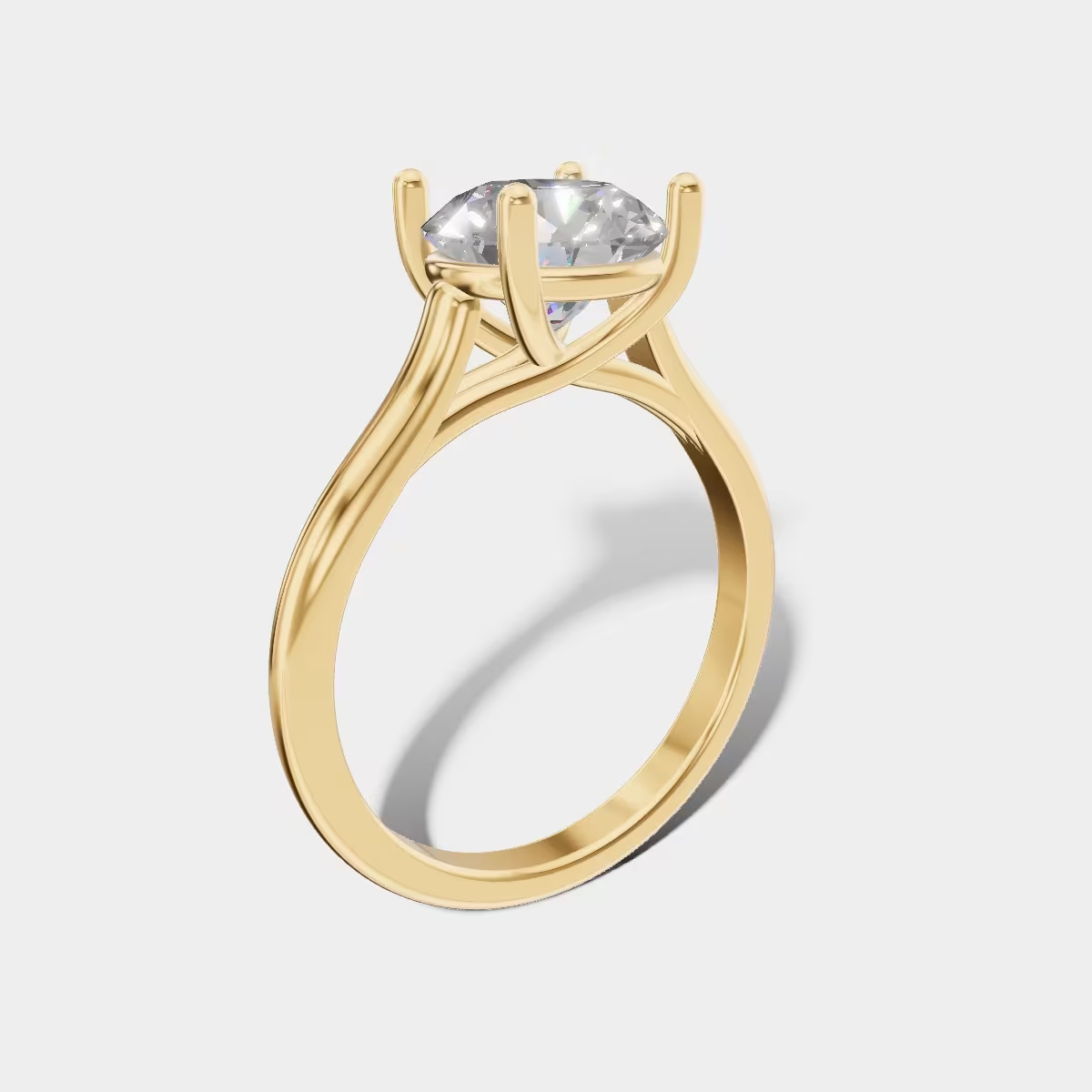
Attach a 3D model to a piece (a .glb file, the kind a CAD designer exports) and its page gets “View in 3D” beside your photos. Clients turn the piece with a finger or a mouse. This ring runs live on the same engine: try it.
Setting
Metal
Stone

Loading live 3D…
Already have a website?
This configurator can run on your own product pages, in Shopify, WooCommerce, Wix and more. It’s a separate service from JewelHQ: request it and we’ll email you about your site.
Questions
Before you request an invite.
Short answers, no fine print. If yours isn’t here, write to [email protected].
Do I need Shopify or a website?
No. JewelHQ gives you a shop page at your own address, like vellora.jewelhq.app. There is no store to connect.
What do I need to use it?
Your phone and its web browser. It works on iPhone and Android, with no app to install and no extra hardware.
Can clients buy online?
Clients don’t check out in a cart. Add your WhatsApp number and each piece gets a button, so they message you with the piece and price already filled in, and you close the sale the way you do today.
Can clients see a piece in 3D?
Yes, once you attach a 3D model to it: a .glb file, the kind a CAD designer exports. The piece’s page then offers “View in 3D”, and clients turn the piece with a finger or a mouse. Your photos stay, and a browser that can’t show 3D keeps showing them. JewelHQ doesn’t make the model for you.
Who owns my photos and data?
You do. You can export your pieces and sales as a spreadsheet at any time.
Is my shop page secure?
Yes. Your shop page is served over HTTPS from the moment it goes live, with no setup on your side.
When can I start?
We’re inviting jewelers in small groups. Request your invite and we’ll email you when it’s ready.
Tomorrow, 9:00 am
Start with your phone.
We’re opening JewelHQ to independent jewelers in the US, a small group at a time. Tell us where to find you and we’ll send your invite.